Usage of CyberThrone Library
Setup printer
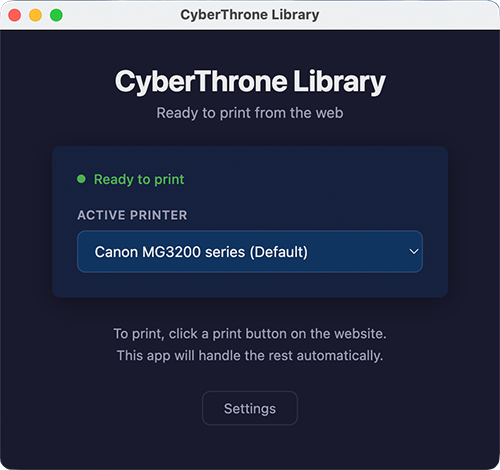
Make sure the software is running and your printer is ready. If you have multiple printers connected, you can choose which active printer you want to use.
Verify NFT ownership
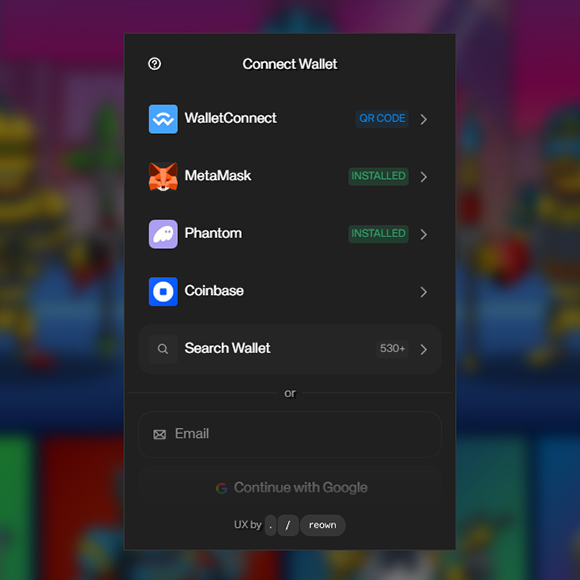
Connect your wallet to our website to verify your NFT ownership. Based on the number of NFTs you own, we will display how many books you are eligible to print.
Open Main Menu
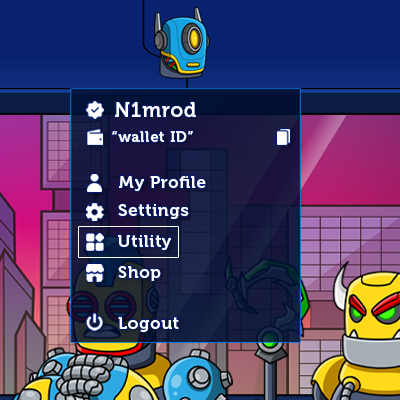
Once you have signed in, click your profile avatar in the top-right corner to open the main menu. From there, select Utility to access the printable book library.
First time printing
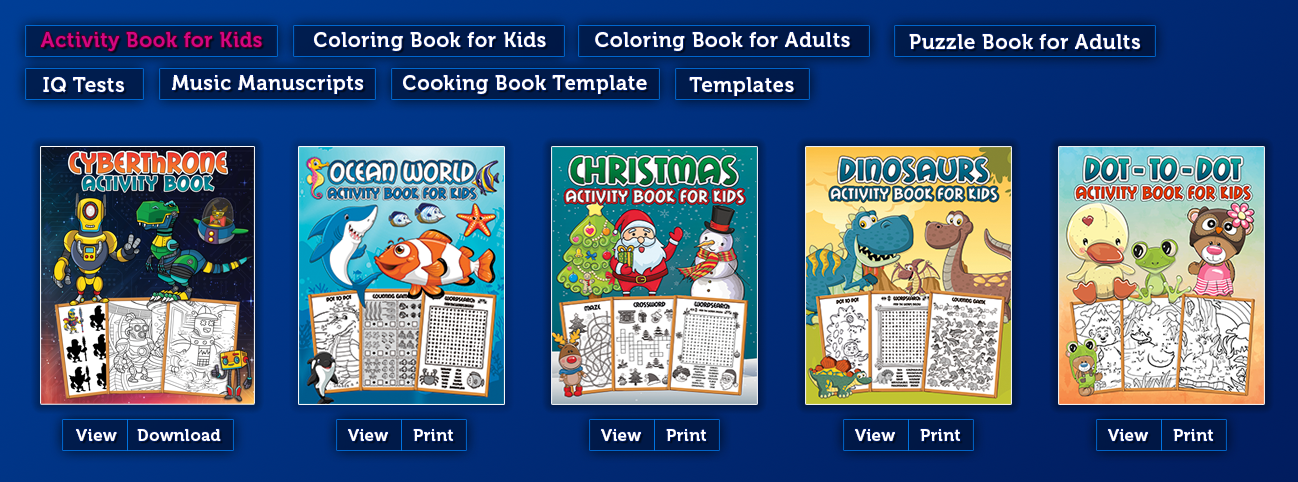
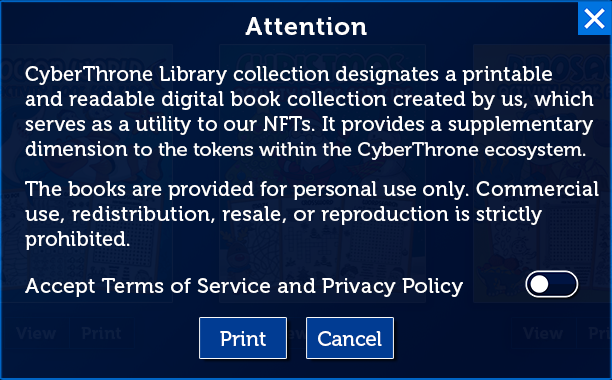
Before printing for the first time, you will need to read and accept our Terms of Service and Privacy Policy.
Open CyberThrone Library
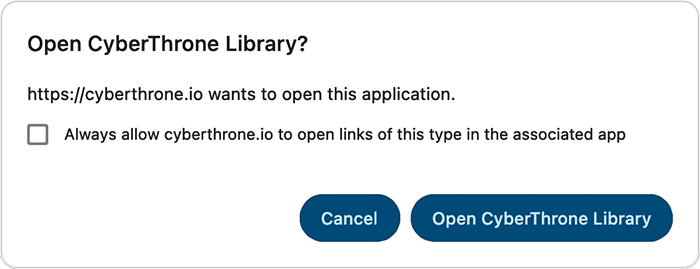
After you click Print, your browser will ask for permission to open the CyberThrone Library software. To avoid seeing this prompt every time, tick the box to always allow your browser to open the software automatically.
Printing Error
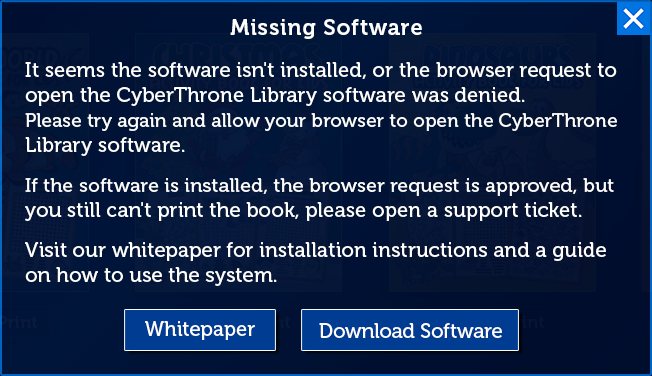
If you encounter an error, make sure the CyberThrone Library software is installed correctly, running, and that you have allowed your browser to open the application.
Successful Printing
The software will automatically print the book you selected.